How Do You Charge Your Jetson Electric Bike in 7 Easy Steps?
Many Jetson electric bike owners know the challenge of keeping their battery charged and ready to go. It can be confusing or intimidating to figure out the best way to power up your bike safely and efficiently. Don’t worry—you’re not alone, and with a few simple steps, you’ll be charging your bike like a pro in no time.
To charge your Jetson electric bike, start by turning off the bike and inspecting the battery area for dirt or damage. Find the correct charging port and connect the charger securely.
Plug the charger into a grounded power outlet, confirming it matches voltage requirements. Watch the indicator lights turn from red to green to know it’s full.
Keep the battery in a cool, dry place during charging, and follow these steps carefully to guarantee safety and longevity—more tips follow if you continue on.
Key Takeaways
- Turn off the bike and remove the battery if it’s removable. Make sure the power switch is off too.
- Next, clean the battery area. Check that the battery is properly seated and connected.
- Connect the charger securely to the charging port. Then, plug it into a grounded power outlet.
- Keep an eye on the charging indicator lights. They should show red or orange while charging and turn green when full.
- When the battery is fully charged, unplug and disconnect the charger. If you removed the battery, reassemble it back onto the bike.
How to Prepare Your Jetson Electric Bike for Charging
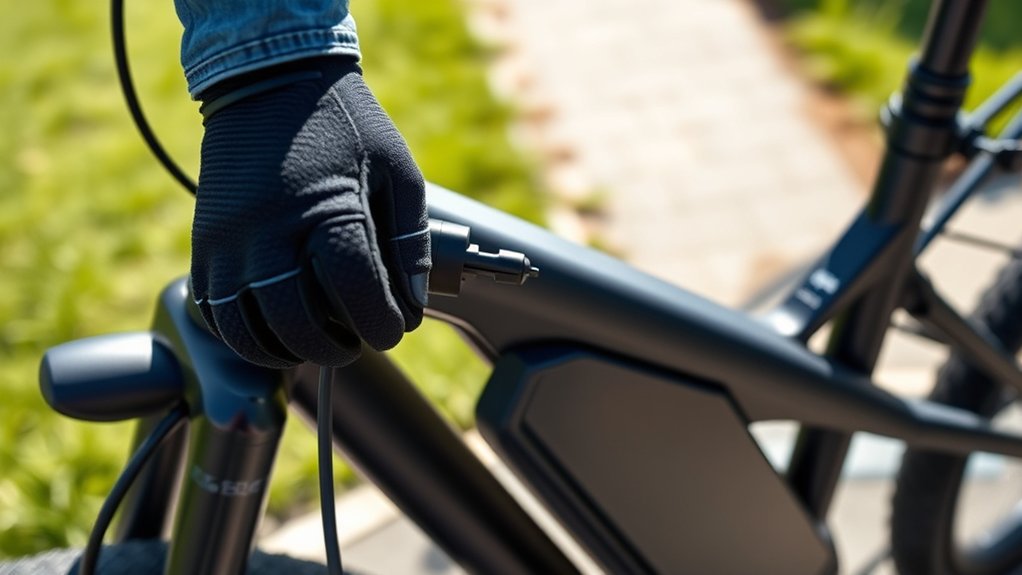
Before you start charging your Jetson electric bike, make sure it’s properly prepared. First, turn off the bike to prevent any electrical issues.
Next, inspect the battery area for dirt, debris, or moisture, and give it a good clean if needed. Check that the battery compartment is securely closed and look for any damages or corrosion.
If your bike has a removable battery, carefully take it out following the manufacturer’s instructions. This helps ensure safe and efficient charging.
Also, make sure the bike’s power switch is off to avoid accidental starting while charging.
Properly preparing your bike helps protect the battery’s lifespan and makes the charging process safe and smooth every time.
Finding the Right Charging Port and Connecting the Charger
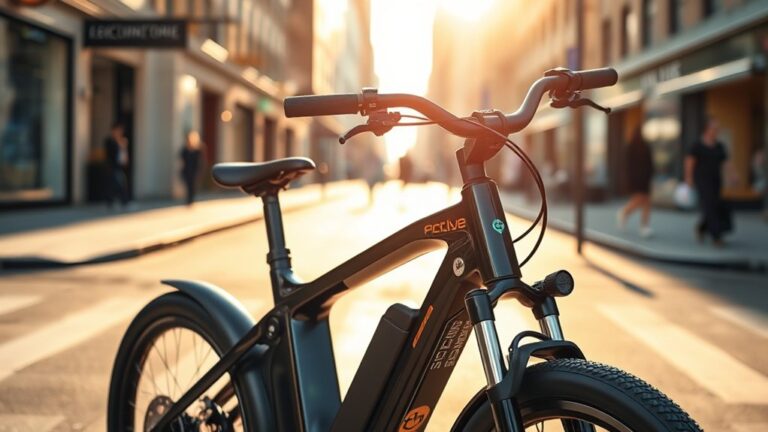
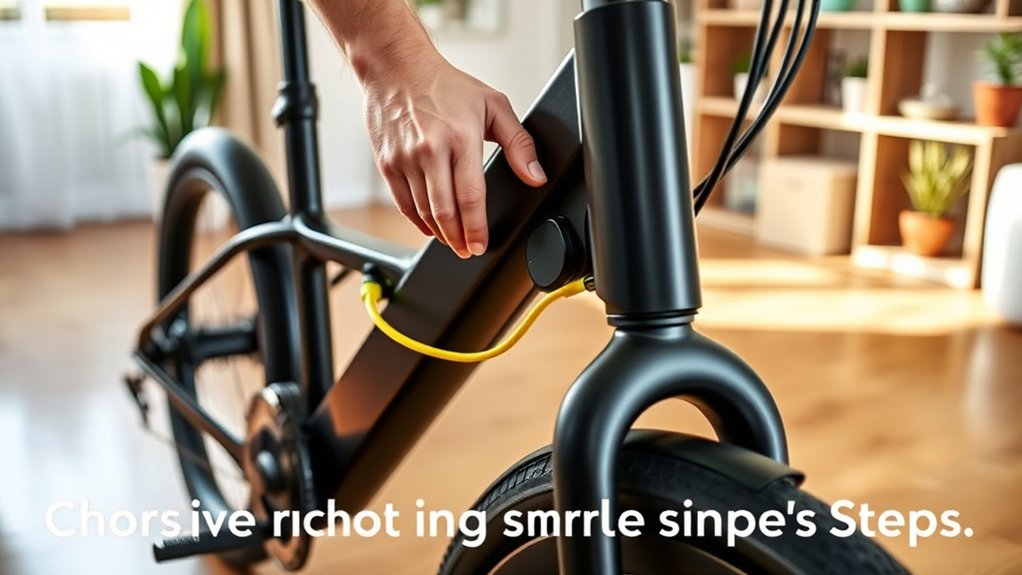
To ensure your Jetson electric bike charges properly, find the correct charging port. Look for it near the battery or on the frame, often covered by a small rubber or plastic cap.
Make sure you’re using the right port for charging, as some bikes might have multiple connectors. Once you’ve found it, take your charger and align the connector with the port, making sure it fits snugly.
Use the correct port, align the connector properly, and ensure it fits snugly for safe, efficient charging.
Avoid forcing the connector in, as that could damage either the port or the connector itself. Check that the connection is secure before moving on.
Properly connecting the charger helps with efficient power transfer and prevents any issues during charging. Always double-check you’re using the designated charging port for your Jetson bike.
Plugging Your Charger Into a Power Outlet Safely
Once you’ve securely connected your charger to the bike, the next step is to plug it into a power outlet. Make sure the outlet matches the charger’s voltage requirements to avoid electrical issues.
Before plugging in, inspect the outlet for any damage or debris, and ensure it’s clean and in good condition. Use a grounded outlet to prevent electrical shocks and avoid overloading circuits by not plugging multiple devices into the same outlet.
Keep the charger and cord away from water or moisture to prevent short circuits. Always plug the charger directly into the wall, not an extension cord, for safety.
Check that the connection is firm and stable before turning on the charger. This helps guarantee safe and efficient charging.
How to Recognize Charging Indicators on Your Jetson Bike
You’ll want to keep an eye on your Jetson bike’s charging light indicators and battery level display to know when it’s charging properly.
The lights change color or blink to show different statuses, while the display provides real-time battery info.
Recognizing these signals helps guarantee your bike charges efficiently and safely.
Charging Light Indicators
Understanding the charging light indicators on your Jetson bike is key to a proper charging process. These lights show you whether your bike is charging correctly, fully charged, or if there’s a problem.
Usually, a red or orange light means the bike is charging. When the light turns green, your battery is fully charged. If the light flashes or stays off, there might be an issue or the charger isn’t connected properly.
Recognizing these signals helps you avoid overcharging or undercharging your battery. A steady red or orange light indicates charging is ongoing, while a flashing light could mean a potential problem or incomplete connection.
If there’s no light, it might mean the charger is disconnected or there’s a malfunction. Being familiar with these indicators ensures you maintain your battery properly and keep your bike ready to ride.
Battery Level Display
How can you tell your Jetson bike’s battery level at a glance? Most models have a display showing a series of LEDs or a digital readout. When fully charged, all LEDs are lit or it shows 100%.
As the battery drains, fewer LEDs light up, letting you know it’s time to recharge soon. Some bikes have a digital percentage indicator for a more precise reading. During charging, the display might blink or show a specific icon to confirm it’s charging.
Regularly checking this display helps you plan your rides better and avoid unexpected power loss. Get familiar with what each indicator means so you can easily monitor your battery’s status and keep your Jetson bike ready for your next adventure.
How Long to Charge Your Jetson Battery for Optimal Performance
Knowing the ideal charging time helps you get the best performance from your Jetson bike’s battery.
You should also be careful not to overcharge, which could damage the battery over time.
Keeping an eye on the battery level ensures you charge just enough for peak riding.
Ideal Charging Duration
To guarantee your Jetson electric bike’s battery performs at its best, it’s important to charge it for the right amount of time. Typically, a full charge takes about 3 to 5 hours, depending on the battery’s capacity.
Charging too little might leave you with insufficient power, while overcharging can strain the battery over time. For maximum performance, aim to disconnect the charger once the battery reaches 100%.
Keep in mind, some chargers have indicator lights that signal when the battery is full. Regularly charging within this recommended timeframe helps prolong your battery’s lifespan.
Charge until the indicator shows full or reaches 100%. Avoid leaving it plugged in for more than a couple of hours after it’s fully charged.
Use the original charger for the best results. Check the battery status periodically during charging.
Maintaining a consistent charging routine is key to keeping your battery in good shape.
Avoid Overcharging Risks
Overcharging your Jetson electric bike can shorten the battery’s lifespan and reduce its overall performance. To prevent this, unplug the charger promptly once the battery reaches full capacity. Overcharging causes heat buildup, which damages the cells and diminishes battery health over time.
Always use the original charger and follow recommended charging times. This helps ensure your battery stays healthy and lasts longer. Remember to unplug after a full charge to prevent heat and voltage stress.
Avoid overnight charging to limit unnecessary wear and tear on the battery. Use the recommended charger to ensure proper voltage and safety during the charging process.
Finally, monitor the charging duration to protect your battery’s longevity and keep it in good shape for longer rides.
Monitoring Battery Levels
Wondering how long to keep your Jetson electric bike charging for the best battery health? Monitoring your battery levels helps prevent overcharging and extends the battery’s lifespan. Use the bike’s display or app to keep an eye on the charge percentage.
When it reaches full, unplug the charger promptly. Regularly checking the battery status makes sure you don’t overcharge, which can damage the battery over time. Proper monitoring also helps you plan your rides and charging schedule more efficiently.
Keep these tips in mind:
- Check the battery indicator often during charging
- Unplug once it hits 100%
- Avoid leaving the battery plugged in overnight
- Use the original charger for accurate readings
- Charge in a cool, dry place for consistent results
Staying attentive to your battery levels maximizes performance and helps prolong its life.
Battery Maintenance Tips While Charging Your Jetson Bike
Proper battery maintenance is key to keeping your Jetson electric bike running smoothly, especially while charging. To extend your battery’s lifespan, avoid overcharging or leaving it empty for long periods.
Always charge in a cool, dry place, away from direct sunlight. Use only the charger provided by Jetson to prevent damage and ensure safety. During charging, keep an eye on the process and disconnect once it’s fully charged.
Regularly inspect your battery for any signs of damage or corrosion. Here’s a quick guide to help you keep everything in check:
| Tip | Do | Don’t |
|---|---|---|
| Charging Environment | Keep in a cool, dry area | Charge in hot or humid places |
| Charging Duration | Follow recommended time | Overcharge beyond full capacity |
| Battery Inspection | Check for damage regularly | Ignore signs of wear or corrosion |
| Use Proper Equipment | Use the original charger | Use third-party chargers |
| Storage During Inactivity | Store in a cool, dry place | Leave battery fully discharged |
Following these simple tips will help keep your battery in great shape and your rides smooth and safe.
Troubleshooting Common Jetson Bike Charging Problems
When your Jetson electric bike isn’t charging properly, it can be frustrating, but many issues are simple to troubleshoot. First, make sure the charger is securely plugged into both the power outlet and your bike’s charging port.
Check that the outlet has power by testing it with another device. Inspect the charging cable for any visible damage or fraying.
Ensure the battery is properly seated and connected. Sometimes, the charger’s indicator lights can give you clues—refer to your manual to interpret them.
Finally, reset the charger by unplugging it for a few minutes and then try charging again.
- Verify power outlet functionality
- Inspect charging cable for damage
- Confirm battery connection
- Check indicator lights for errors
- Reset your charger and try again
Frequently Asked Questions
Can I Charge My Jetson Bike Using a Portable Power Bank?
Yes, you can charge your Jetson bike with a portable power bank, but only if it provides the right voltage and current specified by the manufacturer.
First, check your bike’s charging requirements, usually found on the charger or user manual. Use a compatible power bank with the correct output and connect it via the charging port.
Keep in mind, charging times may vary, and using an incompatible bank could damage your bike.
Is It Safe to Leave My Jetson Bike Charging Overnight?
Yes, it’s generally safe to leave your Jetson bike charging overnight, as long as you’re using the original charger and following the manufacturer’s instructions.
Modern chargers are designed to prevent overcharging, so your bike’s battery will stop charging once it’s full.
Just make sure your charging area is dry, well-ventilated, and avoid leaving it unattended for long periods if you’re worried about safety.
How Often Should I Replace the Charging Port on My Jetson Bike?
Replacing the charging port on your Jetson bike is like changing a worn-out shoe; do it only when necessary.
Usually, you should check it every few months for damage or corrosion. If you see loose connections or have trouble charging, it’s time to replace it.
Frequent use or exposure to the elements can speed up wear, so keep an eye on its condition.
Doing regular checks helps ensure safe, efficient charging and helps your bike last longer.
Can I Use a Third-Party Charger for My Jetson Electric Bike?
You can use a third-party charger for your Jetson electric bike, but it’s not always recommended. Make sure the charger matches the voltage and current specifications of the original charger to avoid damaging your bike’s battery.
Using an incompatible charger can reduce battery life or cause safety issues. Always double-check the specifications and, if you’re unsure, stick to the original charger provided by Jetson for maximum safety and performance.
What Should I Do if My Jetson Bike Doesn’T Hold a Charge?
Think of your Jetson bike’s battery like a delicate flower needing proper care. If it doesn’t hold a charge, start by checking for loose connections or debris. Sometimes, simple cleaning can make a big difference.
A full discharge can cause memory effects, which reduce the battery’s capacity. Try calibrating the battery by fully charging it, then discharging it completely once. This can help restore some of its performance.
If the problem continues, consider replacing the battery or consulting a professional. A healthy battery is key to keeping your rides smooth and enjoyable.
Conclusion
Charging your Jetson electric bike is simple if you follow these seven easy steps. Make sure to connect everything properly, watch for indicators, and take care of your battery to keep your ride smooth and efficient.
Always charge in a safe environment and troubleshoot any issues quickly. It’s worth spending a few moments to protect your battery’s longevity and enjoy top performance.
With these tips, you’ll keep your Jetson bike ready to hit the road whenever you are. Charging your Jetson electric bike the right way ensures you get the most out of your ride every time.